Walluro
Loading page …
Loading page …
One photo, three simple steps.
Upload your favourite photo. Choose the crop and your look next.
Drag a file here or choose one below
JPG, PNG, WebP, TIFF, HEIC / HEIF · up to 80 MB
Your photo stays private.
Your original remains unchanged and private. Privacy policy
Your favourite place. Your favourite people. See how a photo can become wall art that feels like you.
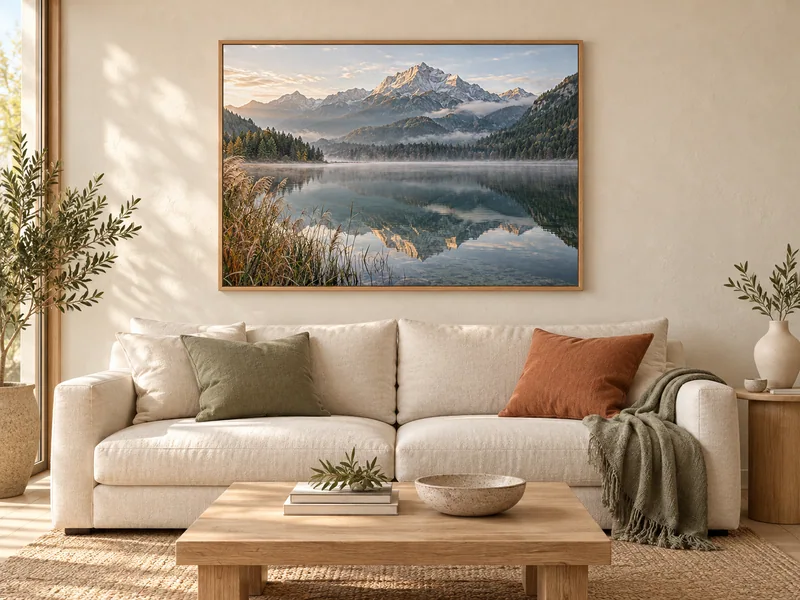
Mountains, the sea or a view from your last holiday: leave room in your crop for the part that makes this place special.
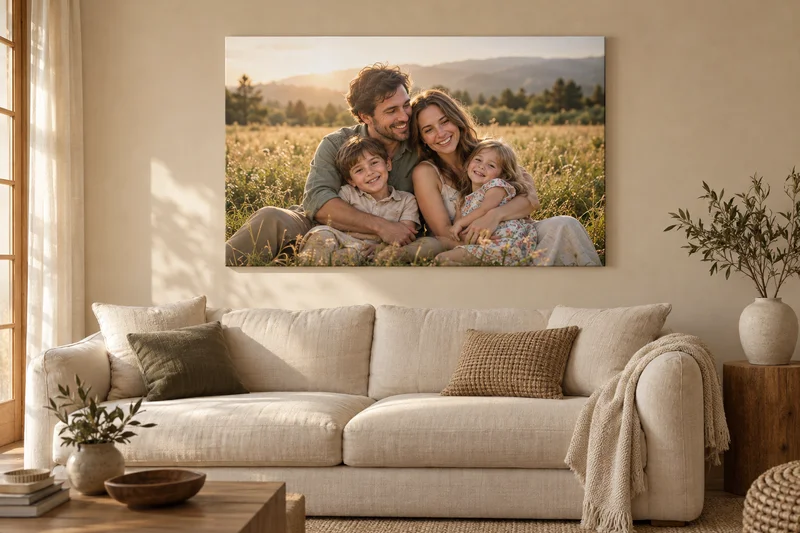
A day out together or a spontaneous smile. Leave a little room around faces when cropping and check the edges of your photo.
Use the original file from your camera or phone where possible. Screenshots and photos reduced by messaging apps often lose detail.
Measure the space first and choose your print size while cropping. In the last step, check the resolution for your chosen size.
Natural or with a filter: both work. Your original stays unchanged and your photo is never published in the catalogue.
Choose “Upload from another device” and create a link with a QR code. Open the link on the device with your photo or scan the code with a camera. Choose your photo there and keep this configurator open. The photo appears here automatically. The link and code work for one photo and expire after 15 minutes.
Your original remains unchanged and private. The crop and filters are saved separately for printing. Screen colours may differ from the print.
Choose your print size together with the crop in step two. The last step shows a resolution guide. If the resolution is low, go back and choose a smaller print or include more of your photo. Also check that your original is sharp.